Export Vehicles
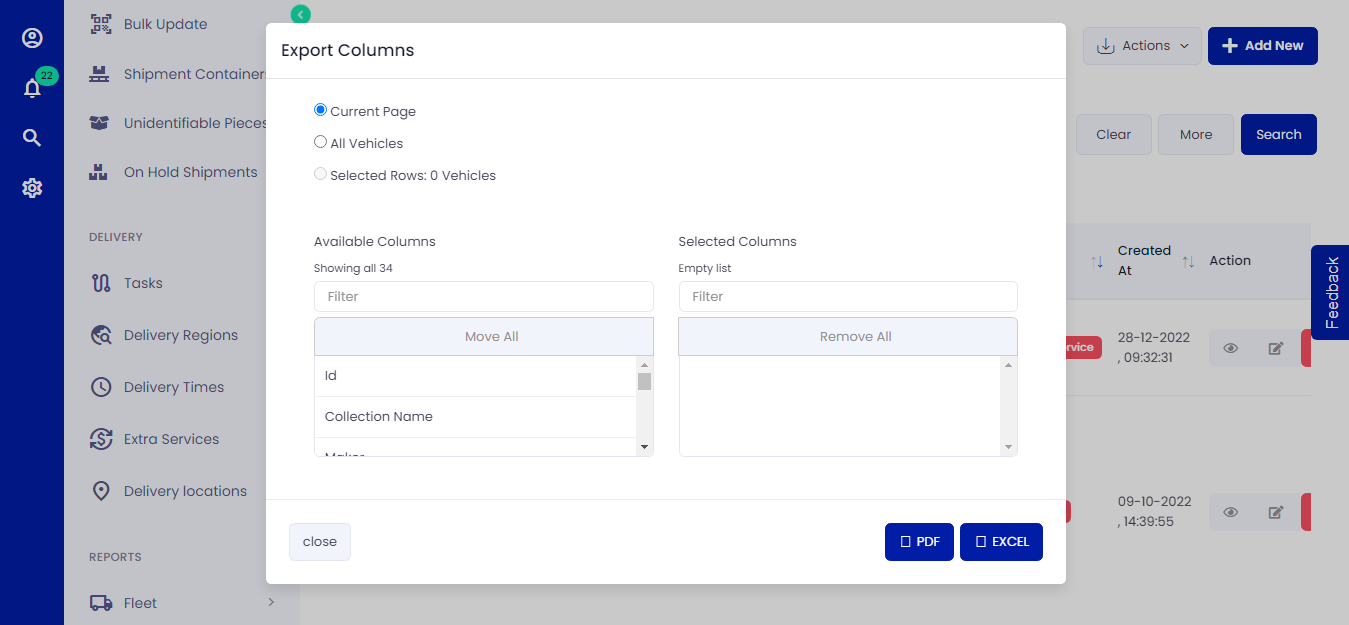 Figure.01 Export Vehicles
To export Vehicles, follow the below instructions.
Exporting Vehicles
- Click on Vehicles -> List -> Export
- Select the columns in the available fields you want to export.
- If you want to move all the columns, select Move All
- Select your desired format to export Vehicles.