Reminder Items
The Fleet management system provides some default reminder items; however, if there isn't a match, you have the option to create your reminder item.
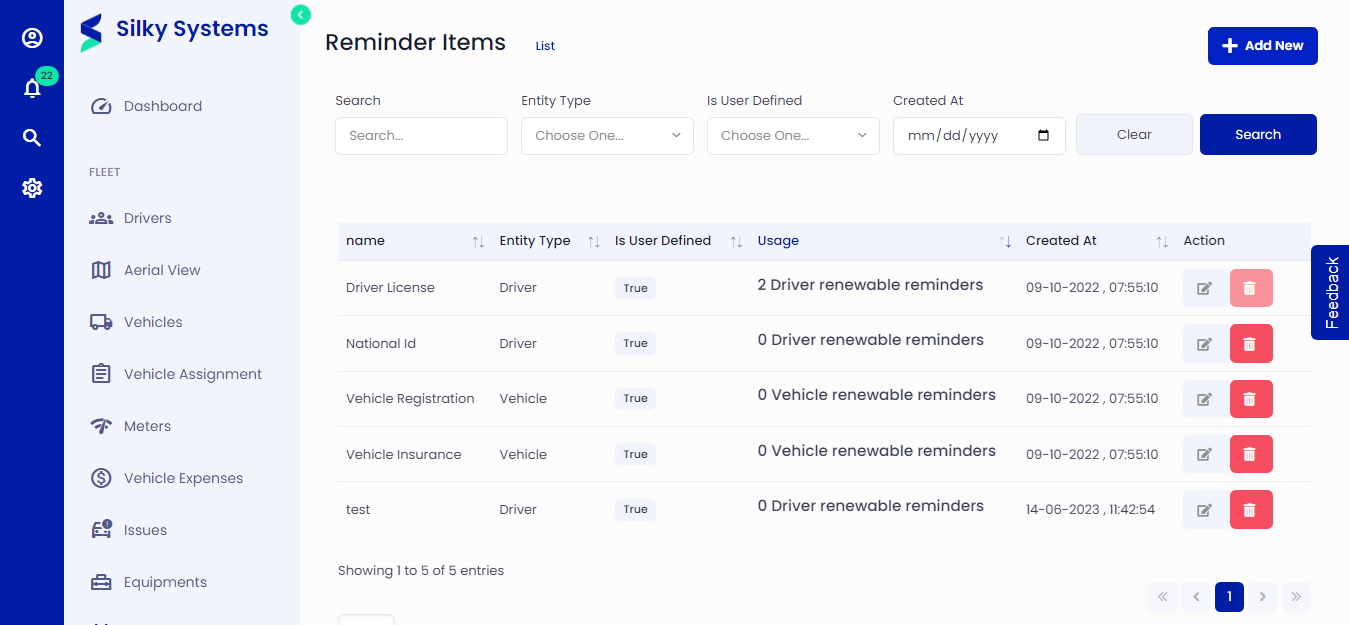 Figure.01 Reminder Items
Create Reminder Item
Go to Reminders -> Reminder Items -> Add New.
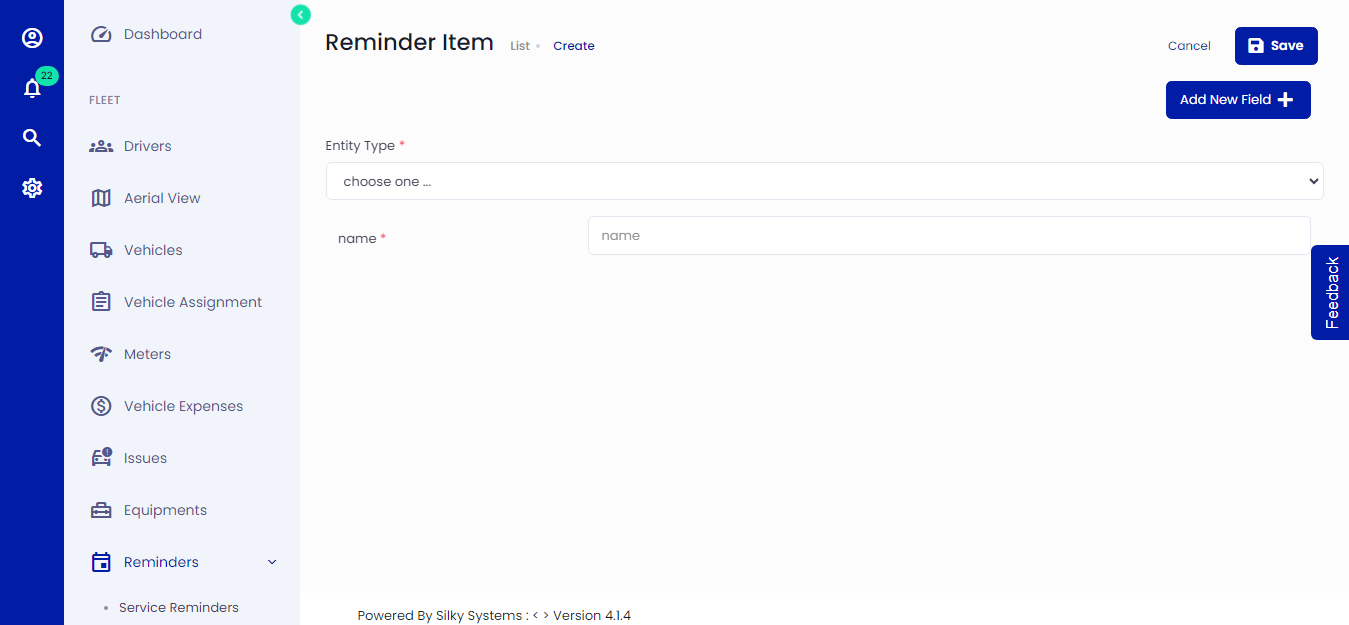 Figure.02 Reminder Items
Select Entity Type from the dropdown menu. The entity type of a reminder item defines what the reminder item is associated with. Currently, the Fleet management system offers two entity types: Vehicle and Driver. Write the name of the item.
Add New Fields
You can add your fields for further customization. Click on the Add New Field. Specify the field name, type (text, number, date & image) and whether it is required or not. Click save once you are done with all the fields. The custom fields are displayed in the Reminder Item Fields section when creating a Driver/Vehicle renewable reminder.
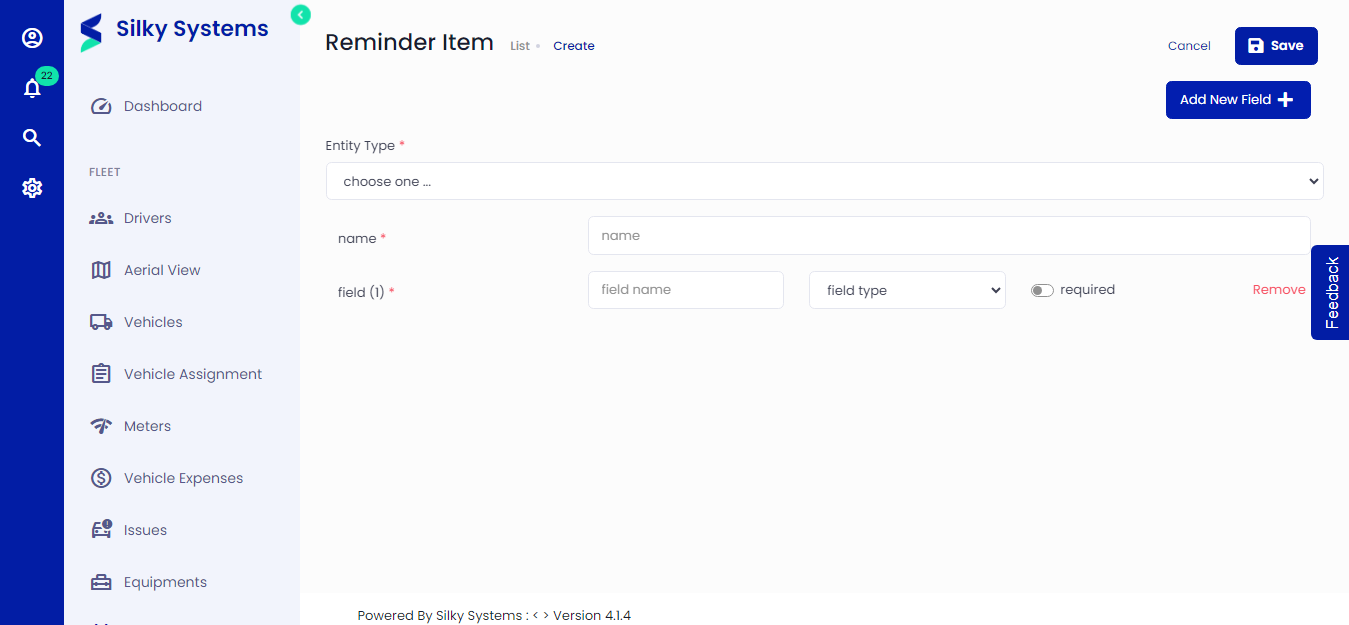 Figure.03 Reminder Items