Unidentifiable Pieces
This functionality is beneficial if any piece is missing from the shipment or if any piece is unrecognizable. You can keep track of the missing or unidentified pieces.
Create Unidentifiable Pieces
To create an unidentified piece, click on Unidentified Piece on the left sidebar menu and then click on Add New. Fill out the necessary information regarding the piece and click save.
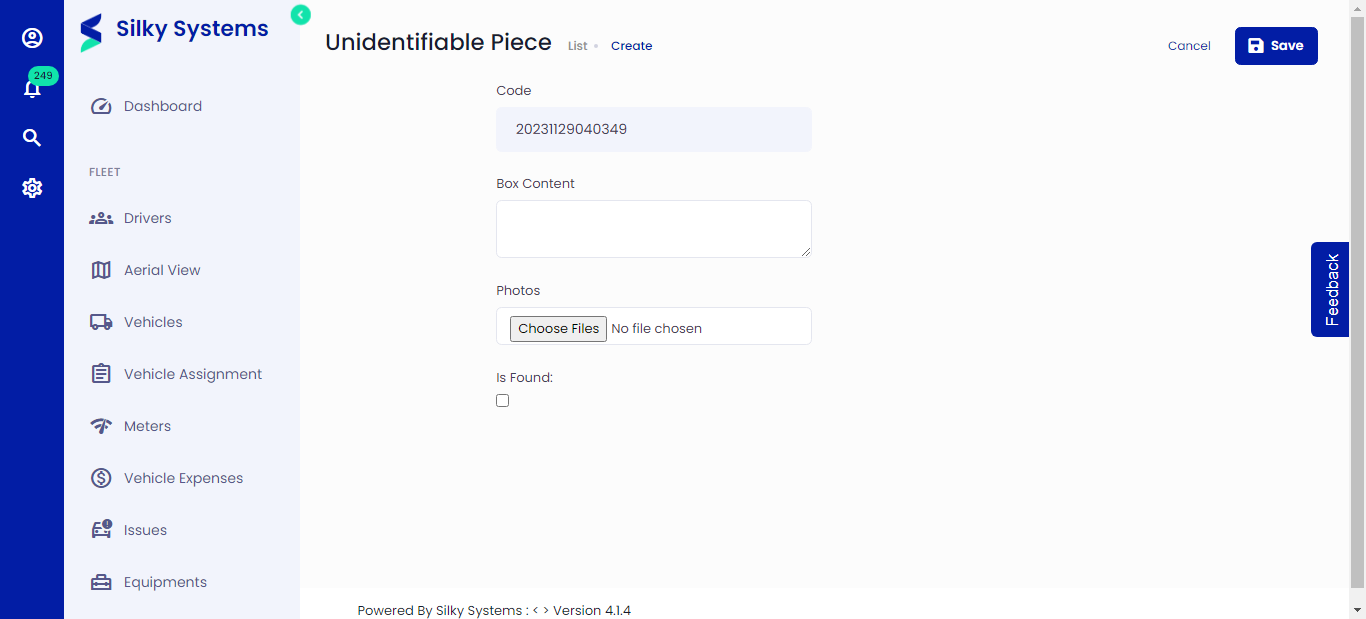 Figure.01 Unidentifiable Pieces
Unidentifiable Piece List
You can view all the missing and unidentified pieces from the Unidentifiable Piece List. This makes it easier to view all the pieces that are found and missing.
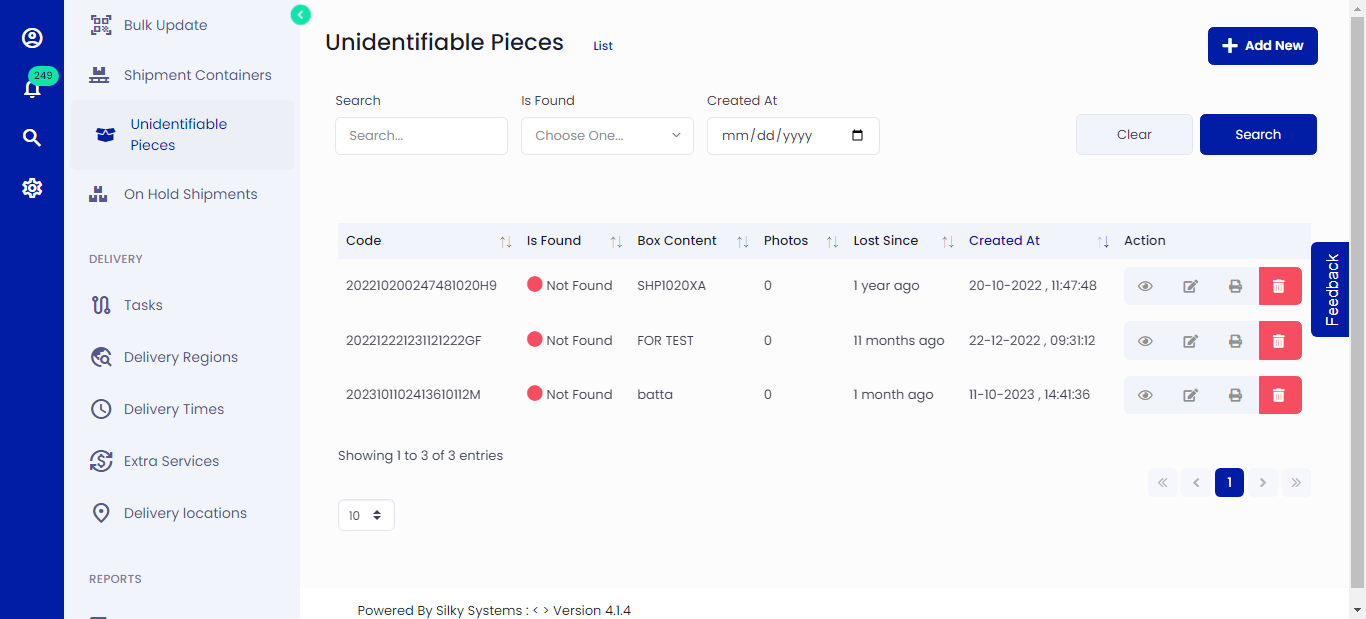 Figure.02 Unidentifiable Piece List
Print Unidentifiable Pieces
You can print the piece label by clicking on the print icon.
 Figure.03 Unidentifiable Piece List Print
Edit Unidentifiable Pieces
You can update a piece's information or mark it as found by editing it.
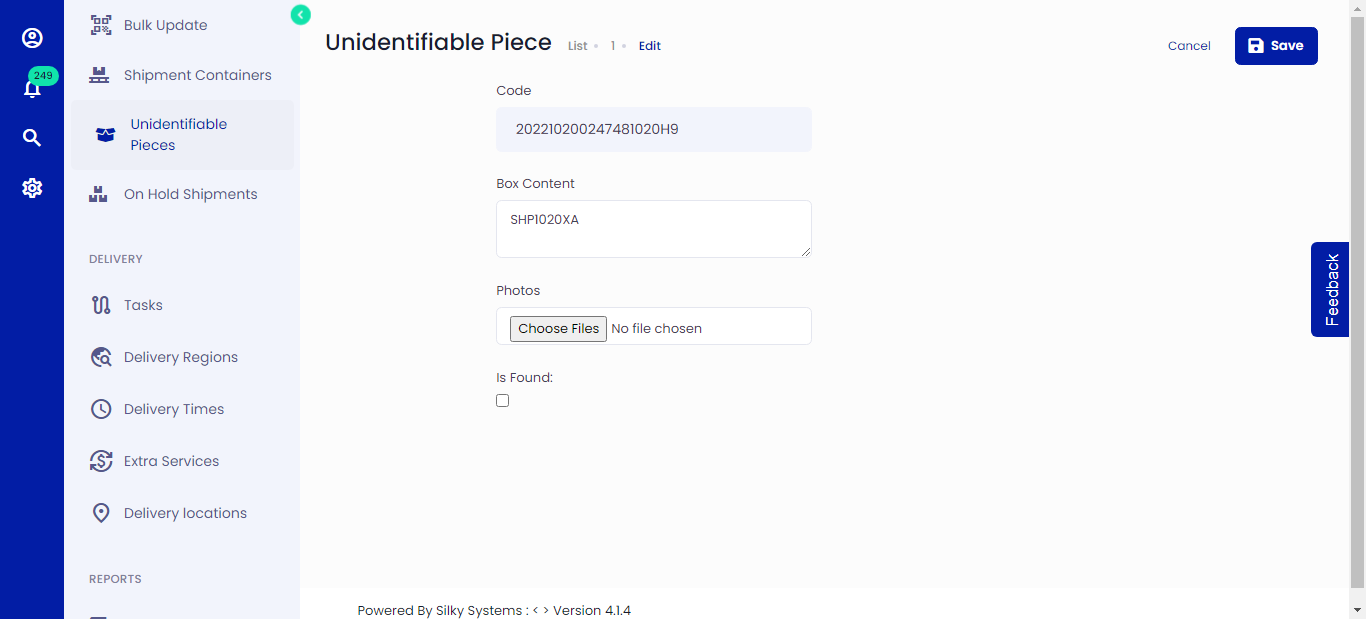 Figure.04 Unidentifiable Piece List