Edit or Delete Meter Entry
In case of a Meter Entry error, you may Edit or Delete the incorrect meter reading, or you may Mark as Void.
The available options depend on the source of the Meter Entry:
- Manually Entered - Manually recorded Meter Readings are available to edit directly, delete, or mark as void.
- Linked Record - Meter Readings associated with a linked record (e.g. Inspection, Issues, Service Reminders, Service tasks, etc.) may be edited through the source record or marked as void.
View Meter History
Navigate to the Meter and click the List tab to view each Meter Reading for a specific Vehicle.
Click on Filter entries which is helpful if you want to view meters for a specific Hub.
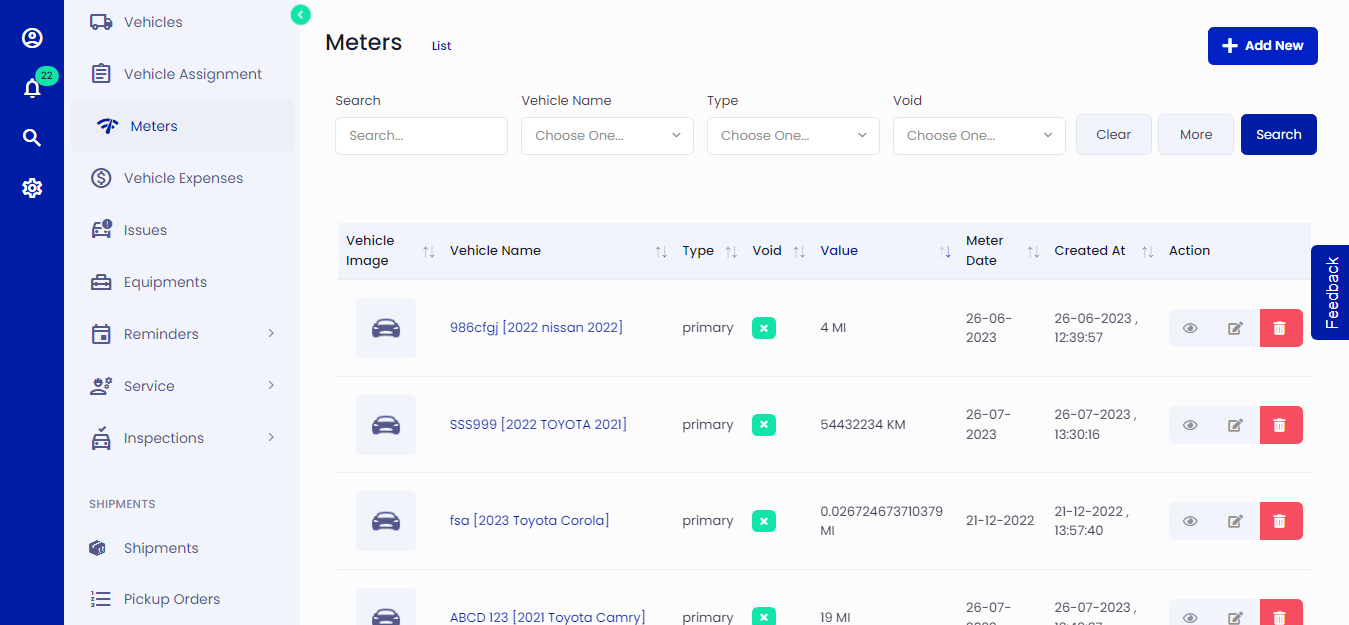 Figure.01 Meter List
Edit or Delete Meter Readings
Navigate to the Meter and click the List tab to view each Meter Reading for a specific Vehicle.
Manually Entered Meter Reading
Meter Readings can be manually entered by: the edit link in the Meter -> List. This type of entry is included in Actions column with Edit, and Delete options.
Linked Record
A Meter Reading which has been created through another record type (i.e. Inspection, Issue, Service Reminder, or Service Task can be edited or marked as void.