Users
Users Overview
Users are those who engage with the logistics system. Depending on their Role, they can manage drivers, vehicles, shipments, and deliveries, among other things. You may create several users and assign them various roles. By default, a system has one super user and it can not be deleted.
Create a User
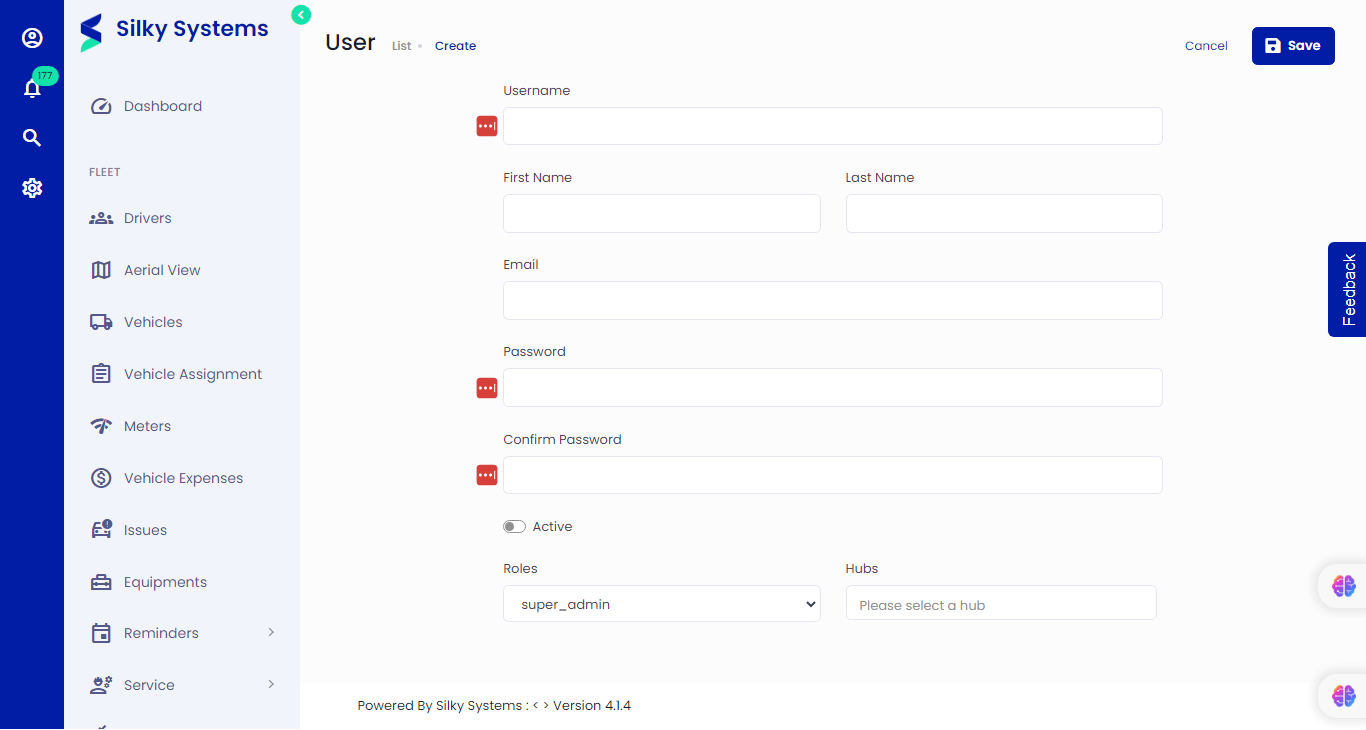 Figure.01 Create a User
To create a User, follow the steps below.
- Click Users -> Add New
- Type in all the details
- Enter your email and password; you will use this to log in to the logistics system.
- Active: This option is used to Activate/Deactivate the User.
- Assign a Hub
- Assign a Role
Roles
Roles are specific permissions that can be created for different users. You can learn more about the roles here.
Edit User
 Figure.02 Edit a User
Similarly, you can edit User details from the User List. Click on Users, then click on the edit icon under the Action column
View User
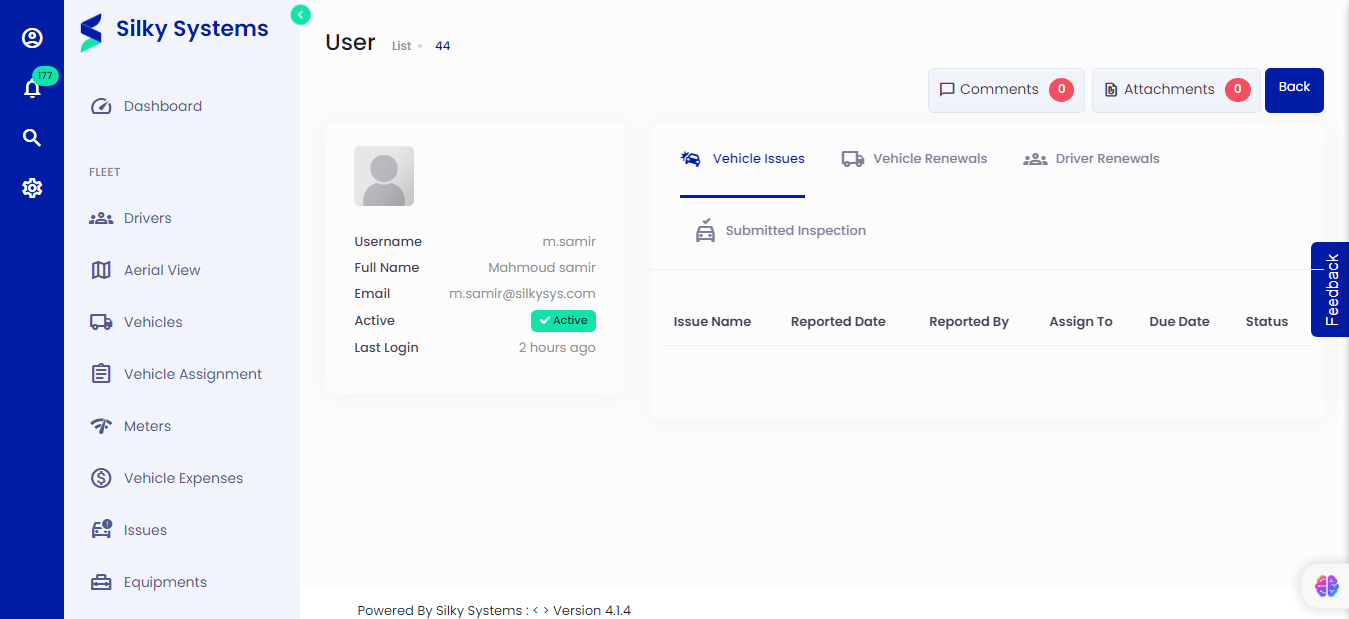 Figure.02 View User Details
You can view User details from the User List. Click on Users, then click on the view icon under the Action column
User List
 Figure.03 User List
From the User list, you can see a list of all the Users that are active and which are inactive, along with their roles. Click on Users to see a list of all the Users.