Roles
Roles Overview
Roles are specific permissions that can be created for different Users. For example, you can create a role for the driver where he can update the inspections and vehicle issues.
Create a Role
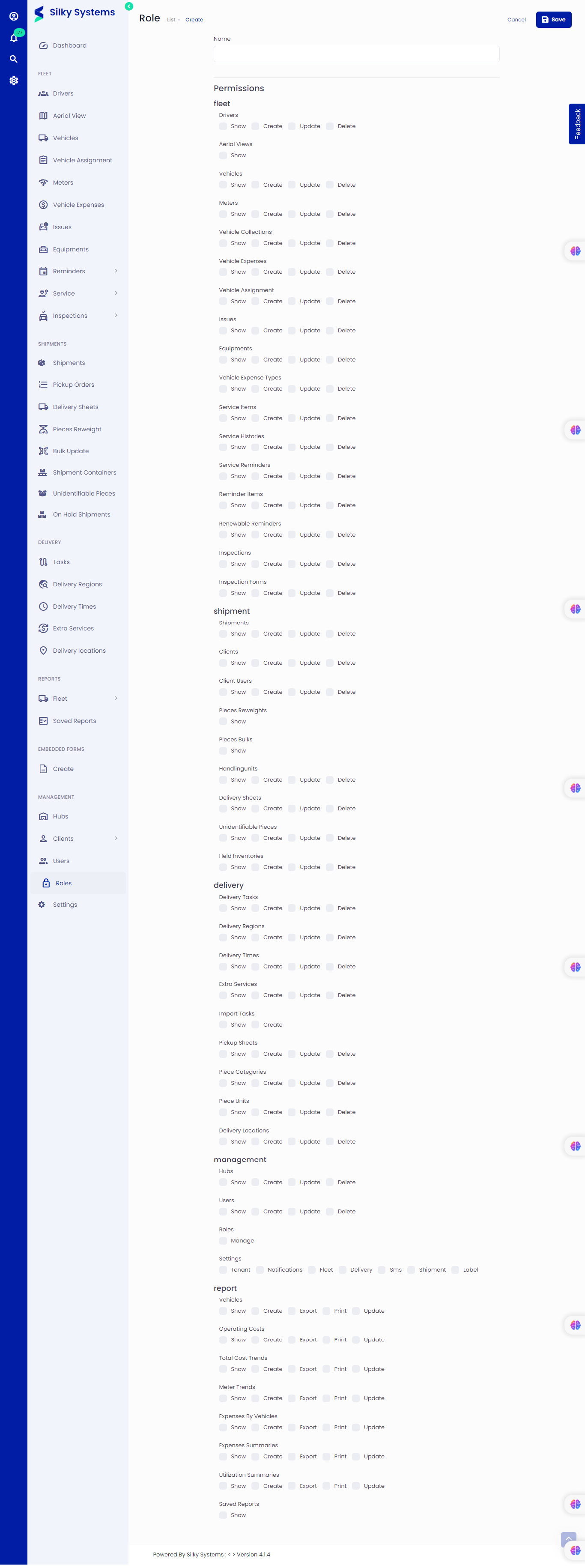 Figure.01 Create a Role
To create a Role, follow the steps below.
- Click Roles -> Add New
- Give a name for the role.
- Grant permissions for this role
- Click save when you are done.
Edit Role
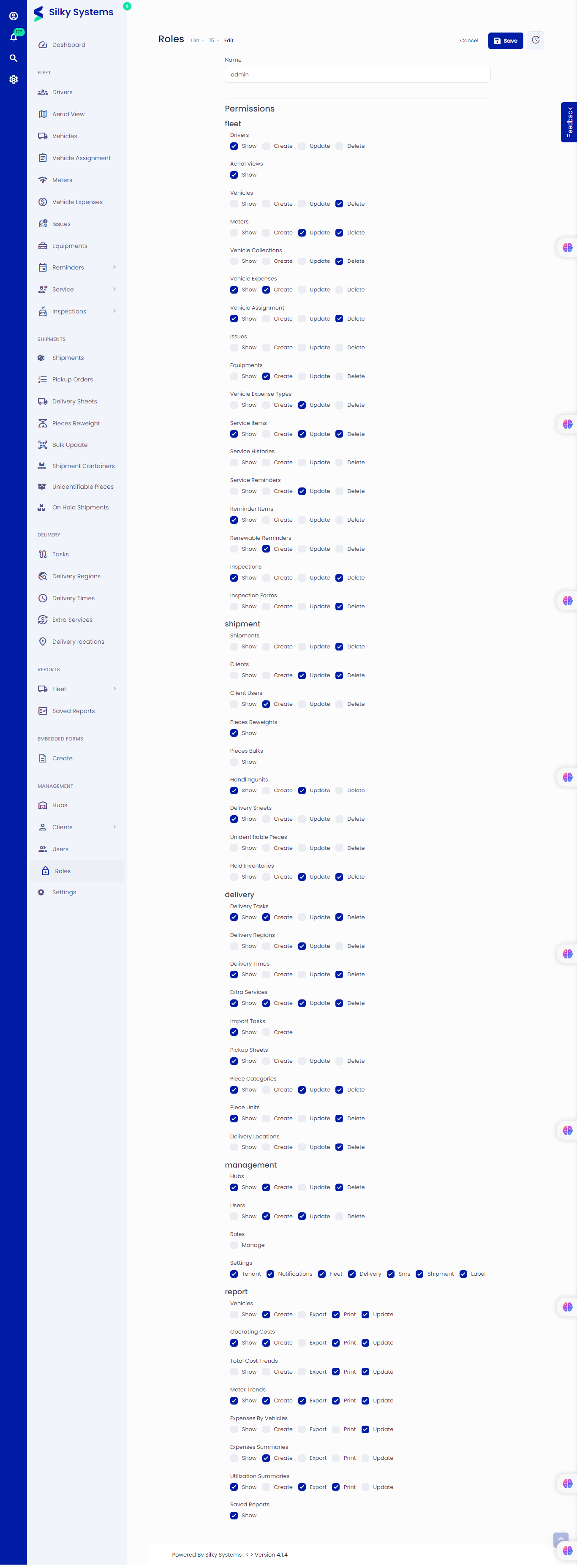 Figure.02 Edit a Role
Similarly, you can edit Role permissions from the Role List. Click on Roles, then click on the edit icon under the Action column.
Role List
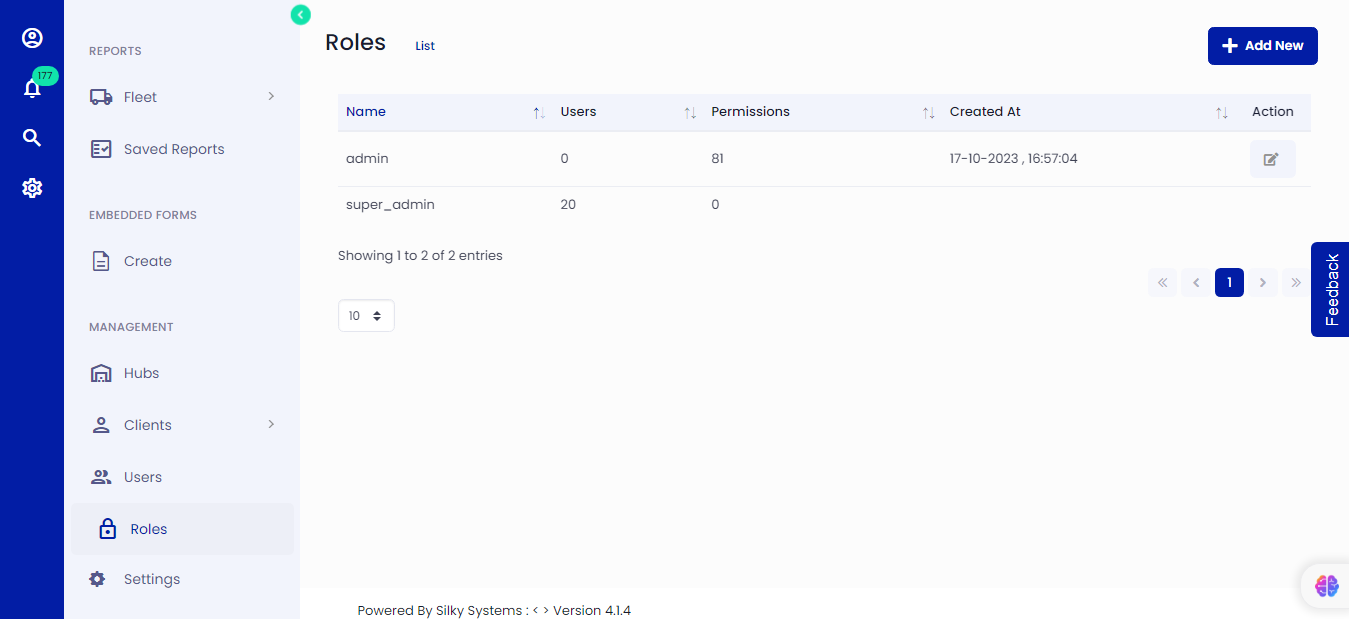 Figure.03 Role List
You can see a list of all the Roles and the number of permissions granted from the Role list. Click on Roles to see a list of all the Roles.