Delivery Times
Delivery Times Overview
Delivery Times allow you to create specific time slots for deliveries for different warehouses.
Delivery Times List
You can add, update or delete the delivery Times from the Delivery Times List.
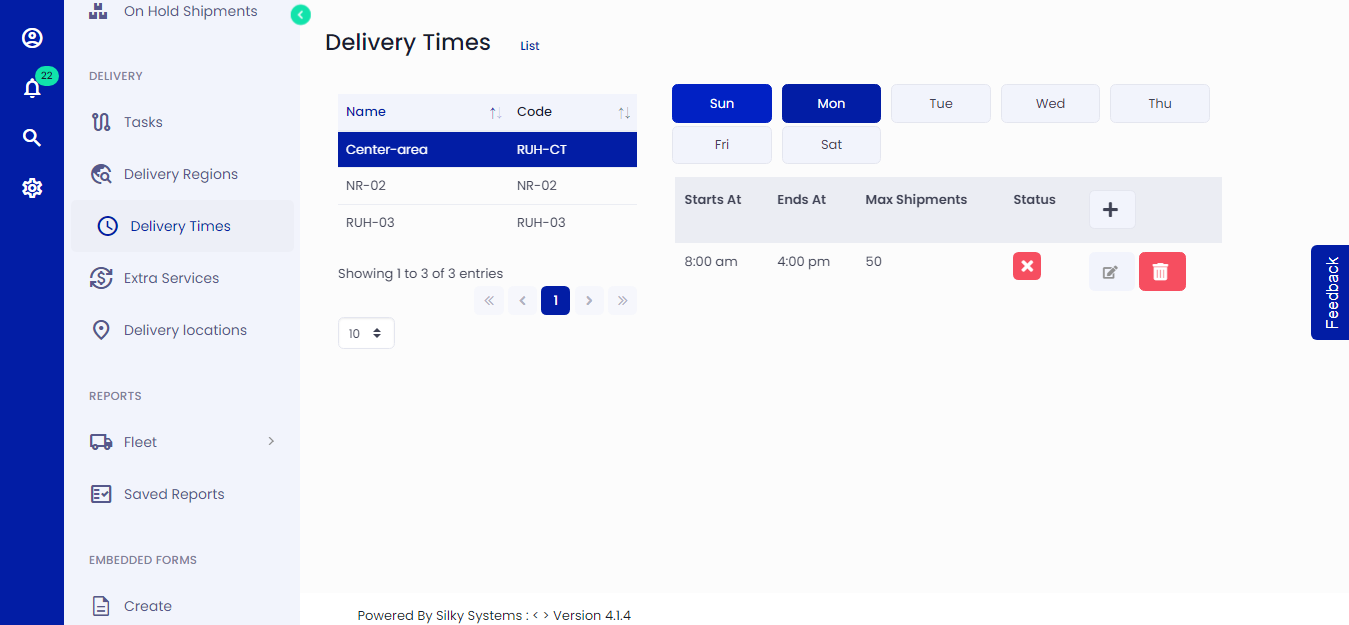 Figure.01 Delivery Times List
Add Delivery Times
You can create different time slots for deliveries for various warehouses and allot a maximum number of shipments for each time slot. Click on Delivery Times on the left side menu and then click Add New. Select the Delivery Region, day, start and end time and maximum shipment.
Assigning the Max Shipment as 0 means that this time slot will not accept any orders and will always be displayed as full. The Status marks the time slot as Active.
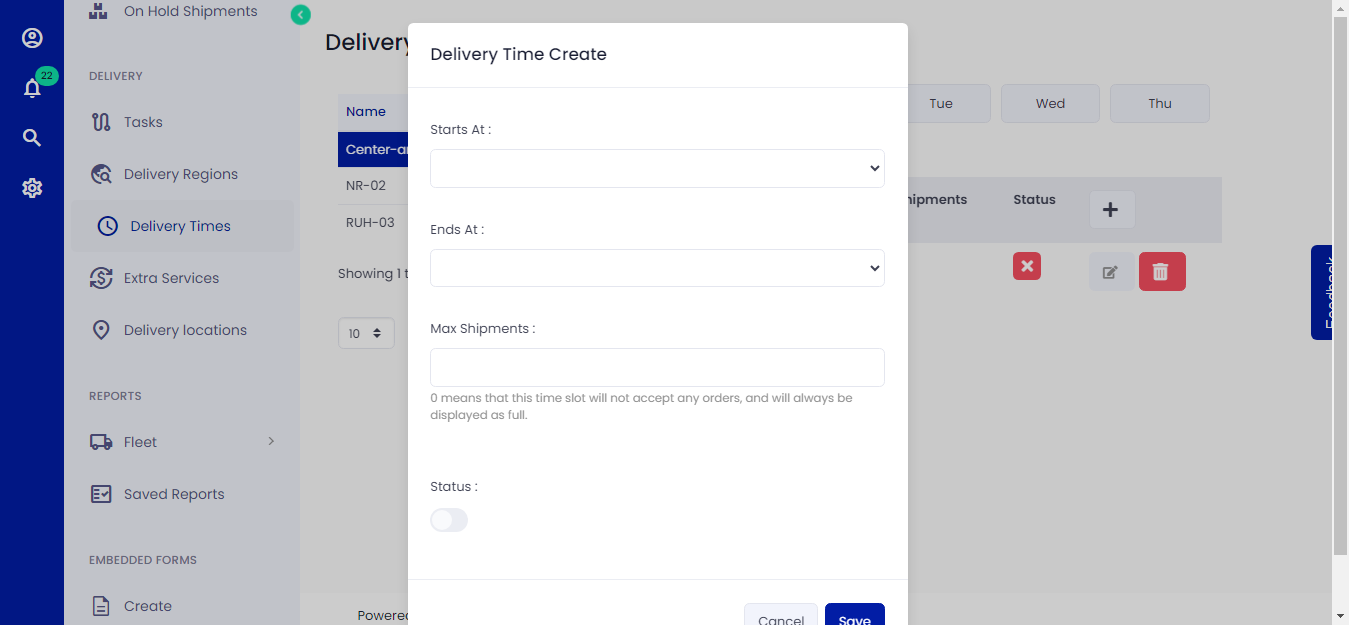 Figure.02 Add Delivery Times
Update Delivery Times
You can edit delivery Times by clicking on the edit icon from Delivery Times List.
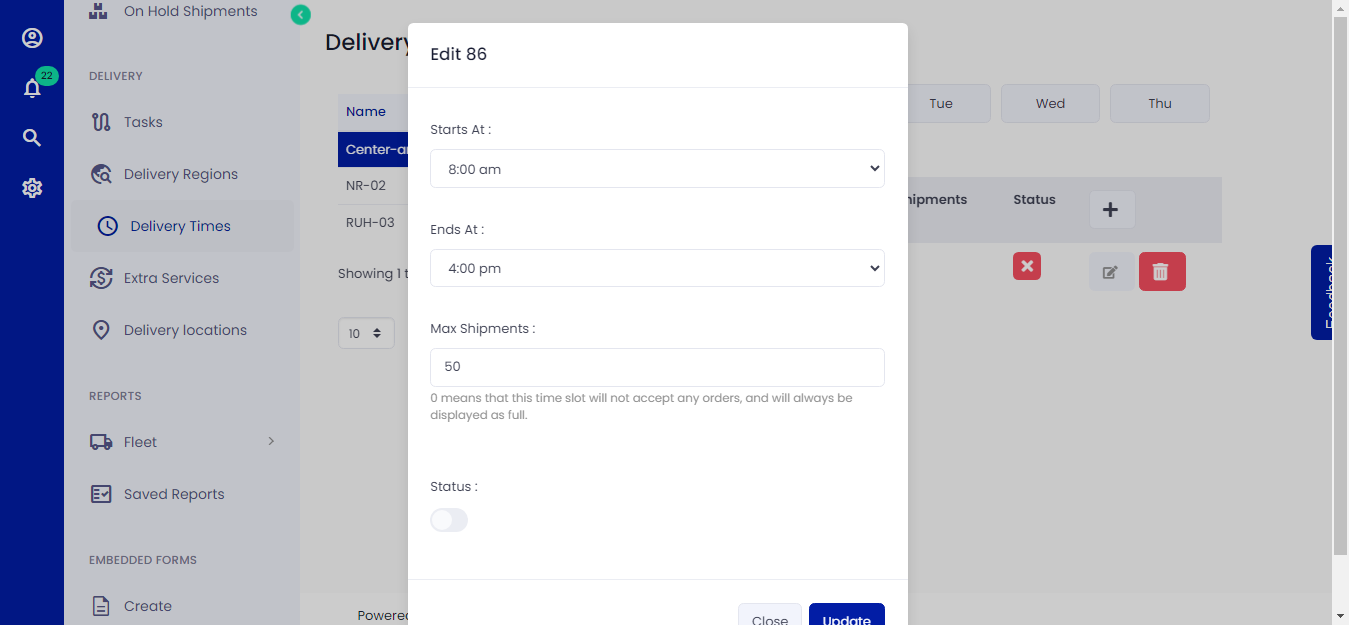 Figure.03 Edit Delivery Times