Delivery Regions
Delivery Regions Overview
Delivery regions allow you to create specific regions for different warehouses.
Delivery Regions List
You can add, update or delete the delivery regions from the Delivery Regions List.
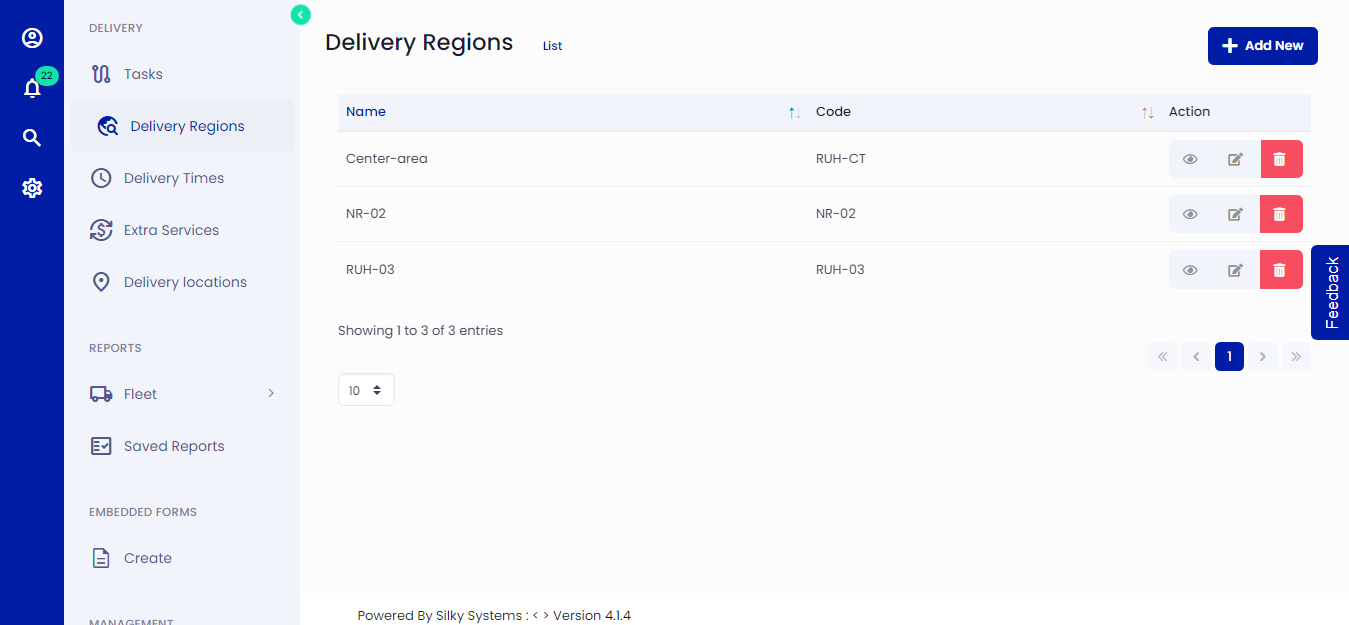 Figure.01 Delivery Regions List
Add Delivery Regions
You can create different regions for various warehouses. Click on Delivery Regions on the left side menu and then click Add New. Mark the points by clicking on the area you want to include in the region. Give the region a Name and a unique Code.
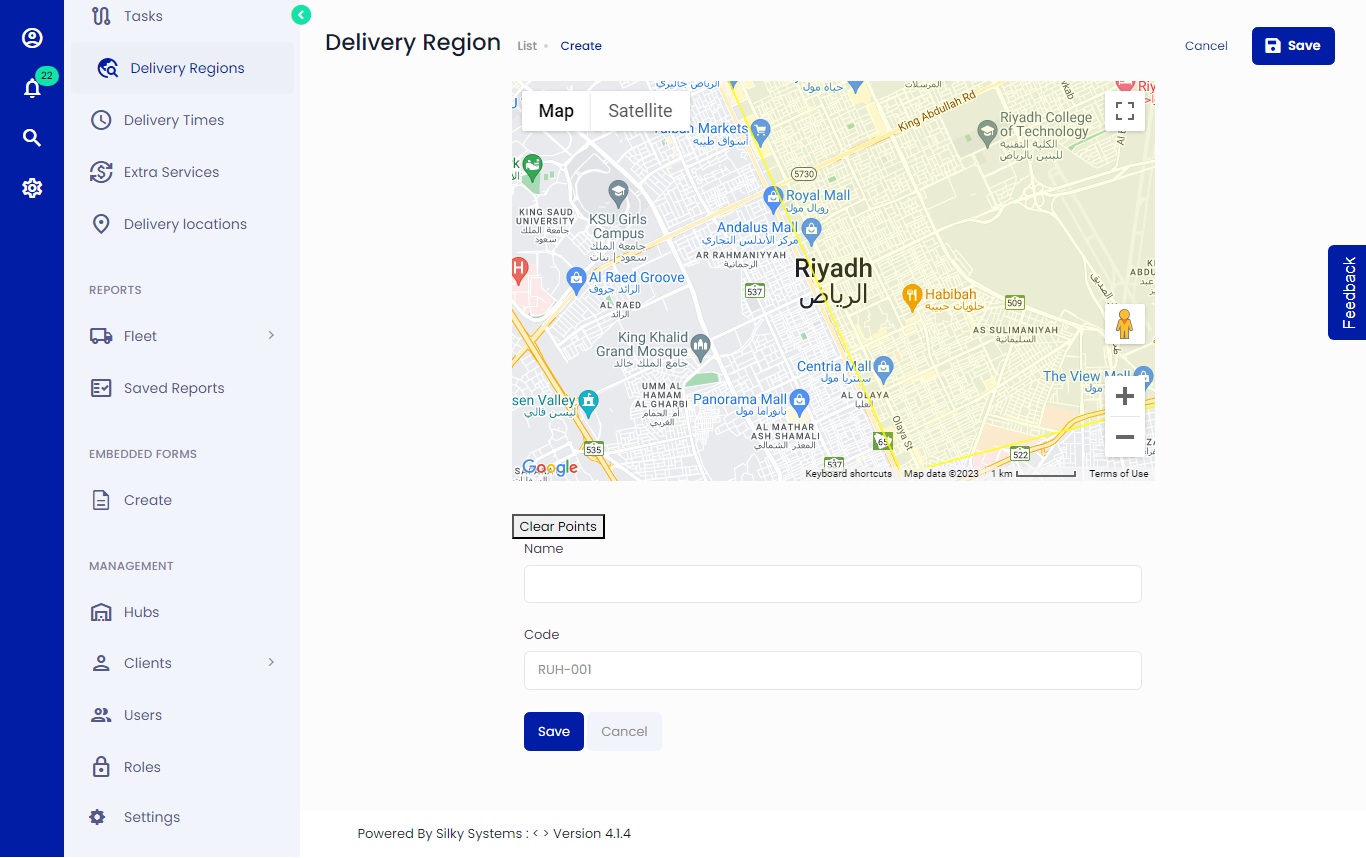 Figure.02 Add Delivery Regions
Update Delivery Regions
You can edit delivery regions by clicking on the edit icon from Delivery Regions List.
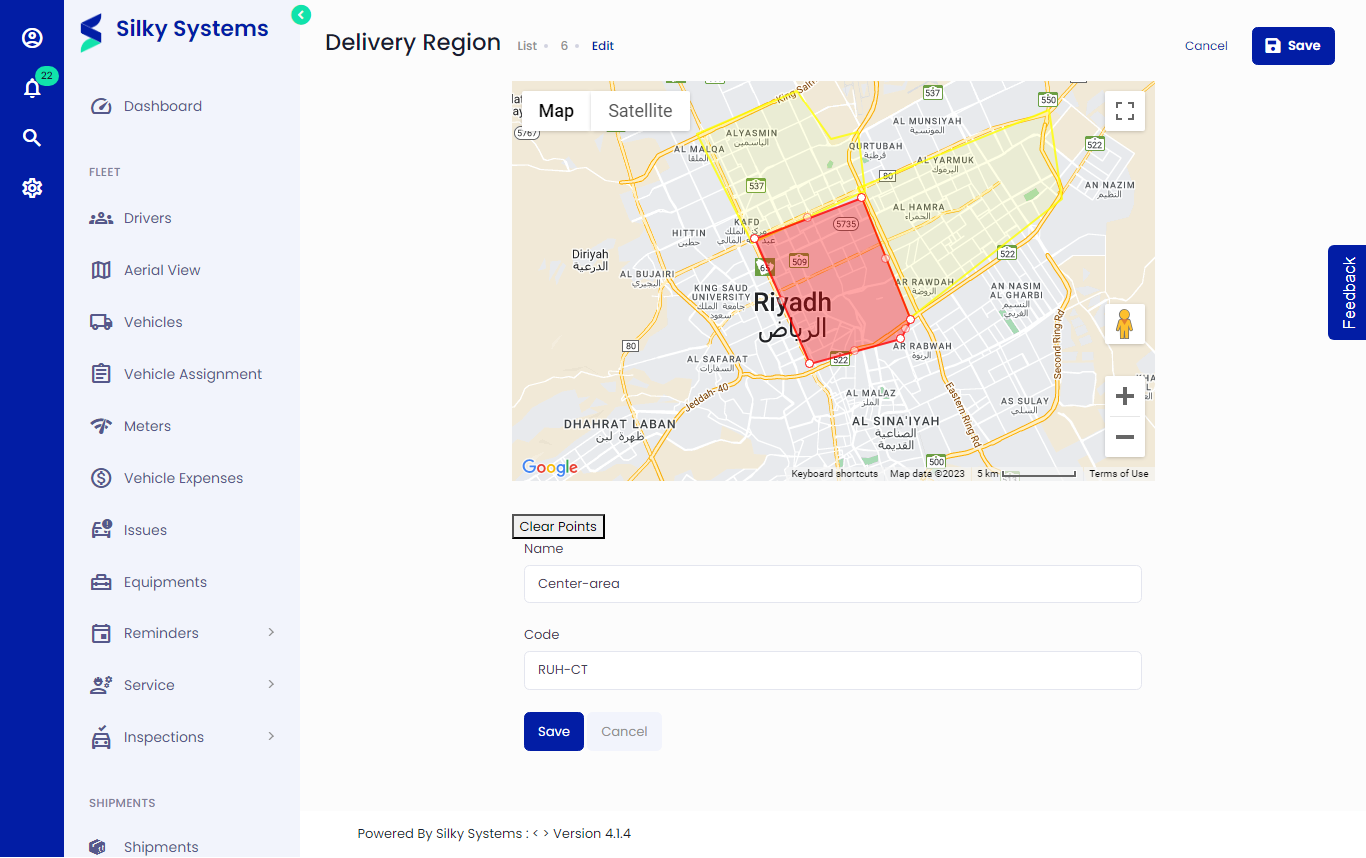 Figure.03 Edit Delivery Regions
View Delivery Regions
You can view delivery regions by clicking on the view icon from Delivery Regions List.
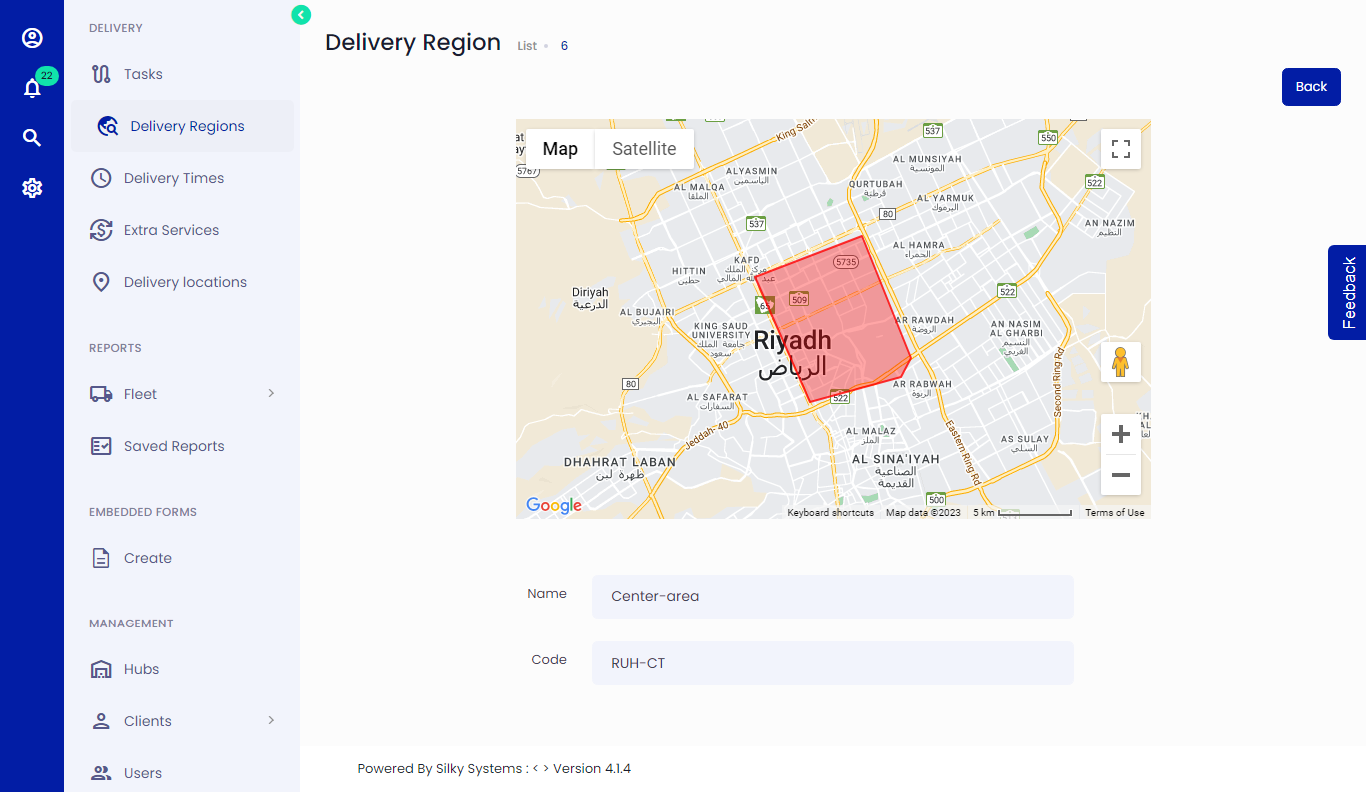 Figure.04 View Delivery Regions